Scattered.
Lists, chats, notes, a spreadsheet and your head.
 Varelyno
Your world, connected.
Your projects, people, tasks and notes in one connected picture, so you can see the whole thing and always know your next step.
Your projects, right now
Lists, chats, notes, a spreadsheet and your head.
Varelyno
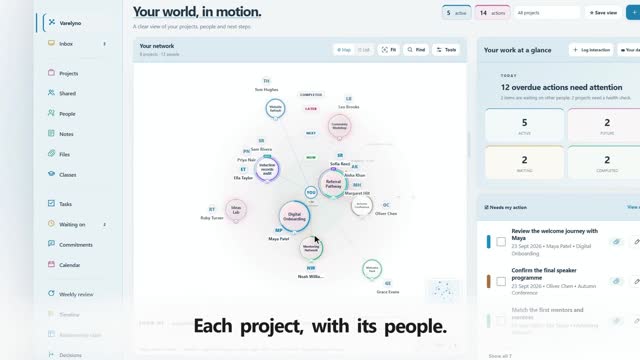
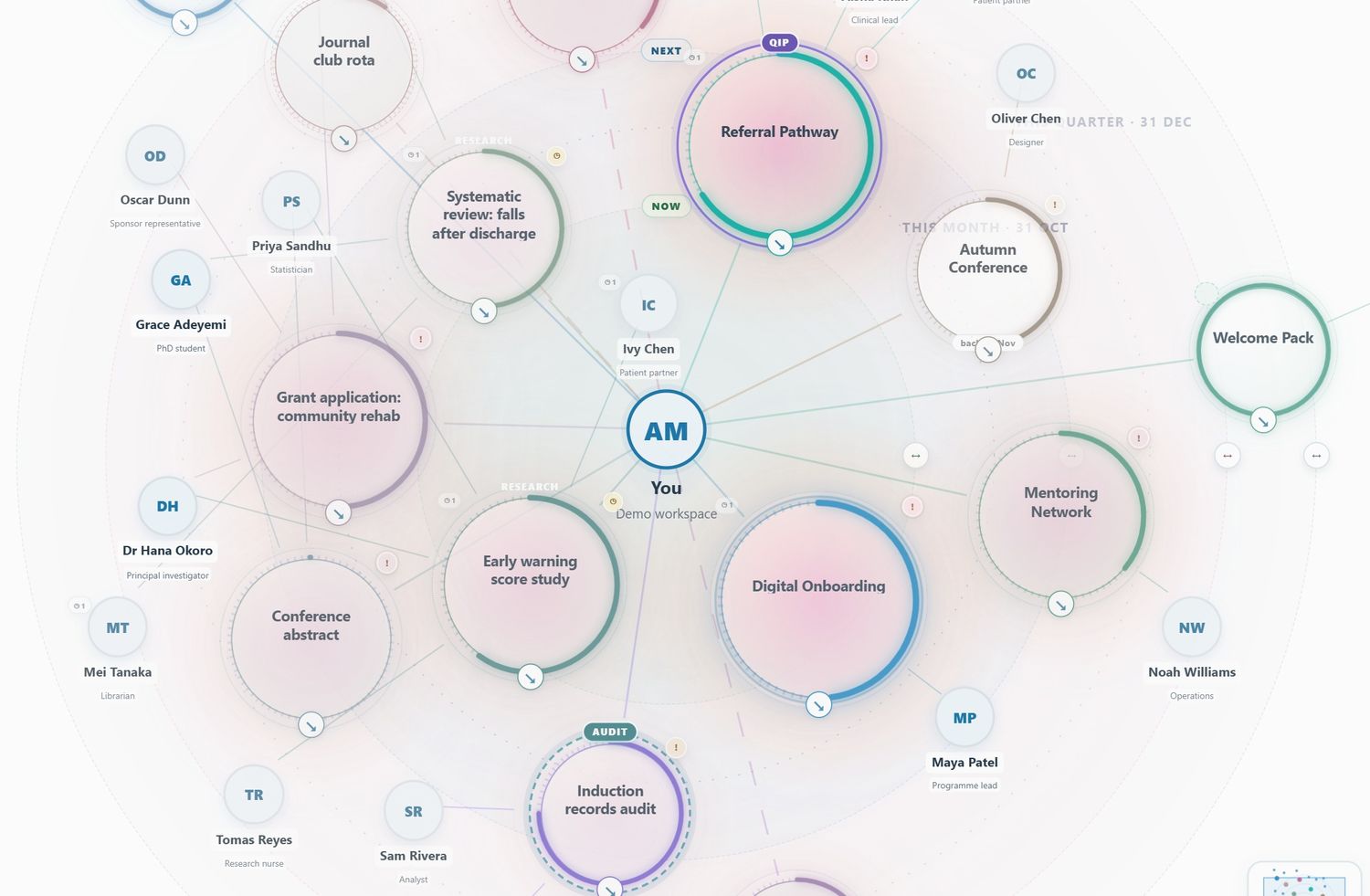
Every project is a circle around you, with the people on it.
Your map is ready
Everything you carry, in one window, on any device.
And everything around it
Waiting on, promises, tasks, calendar, reminders and reviews, all linked to your map.
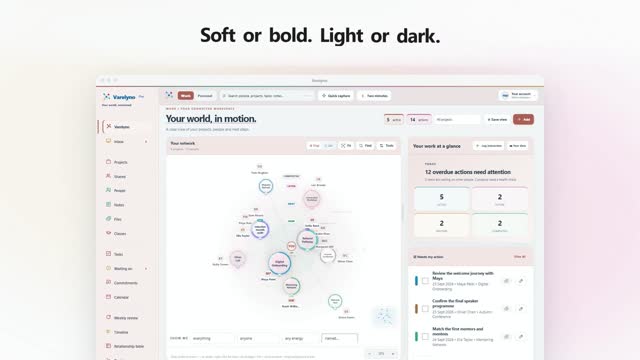
Make it yours: 18 themes, light and dark.
On your phone and your computer. No card needed.
Lists, chats, notes, a spreadsheet and your head.
Every project is a circle around you, with the people on it.
Waiting on, promises, tasks, calendar, reminders and reviews, all linked to your map.
18 themes, light and dark. On your phone and your computer. No card needed.
The same Varelyno holds a hospital improvement project, a client book, a product launch or a house move. Use the arrows to see more.
The real app with made-up people and projects. Nothing here is anyone's real work.
Short films made from the real app. Turn the sound on: each one has its own music.
Shown on a demo version. Future updates may change how Varelyno works and looks.
A whole project, one circle
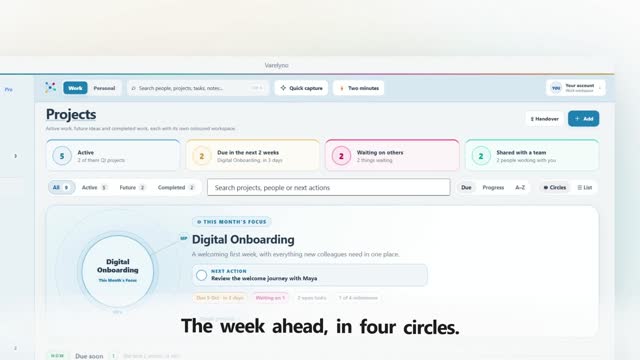
Every circle carries its colour, its progress, its status and its people. Its size, warmth and clarity mean something, so you can see where the pressure is from across the room.
Open tasks, the people carrying it, how close the deadline is. A heavy week looks heavy.
A soft glow underneath, never on the circle itself, so your colour still means what you chose.
Nothing has happened on it for weeks. Back from leave, you can see what went cold.
These aren't mock-ups. Every panel below is a real Varelyno component, doing exactly what it does in your workspace.
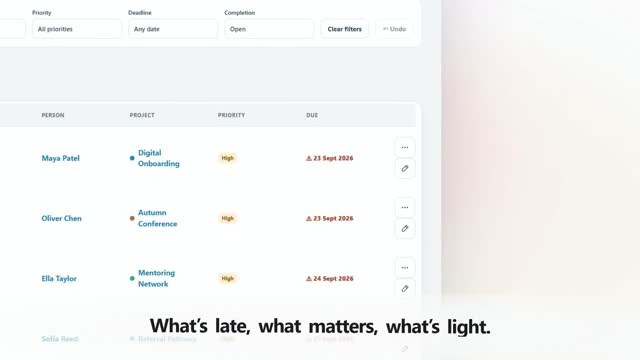
Filter by person, project, priority or deadline, and save the filters you use every week.
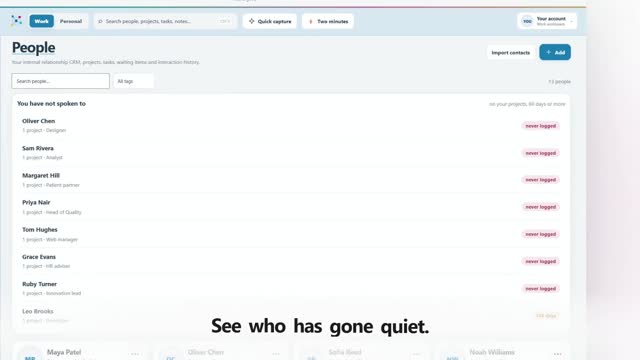
Your own relationship record: the projects you share, what you last spoke about, and what you're waiting on.
A welcoming first week, with everything new colleagues need in one place.
Next conversationReview the welcome journey with John.
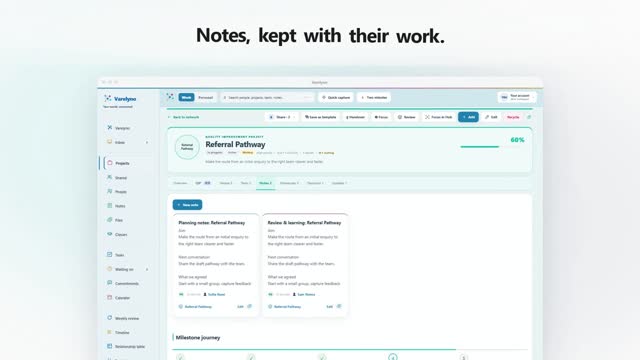
Every note stays attached to a person, a project, or both, so it's there when you need it.
Project dates, task deadlines and follow-ups, all on one timeline.
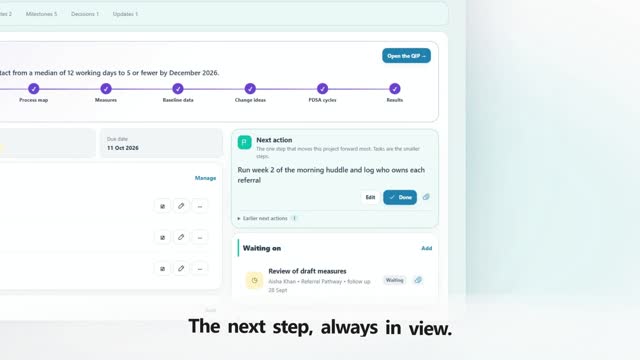
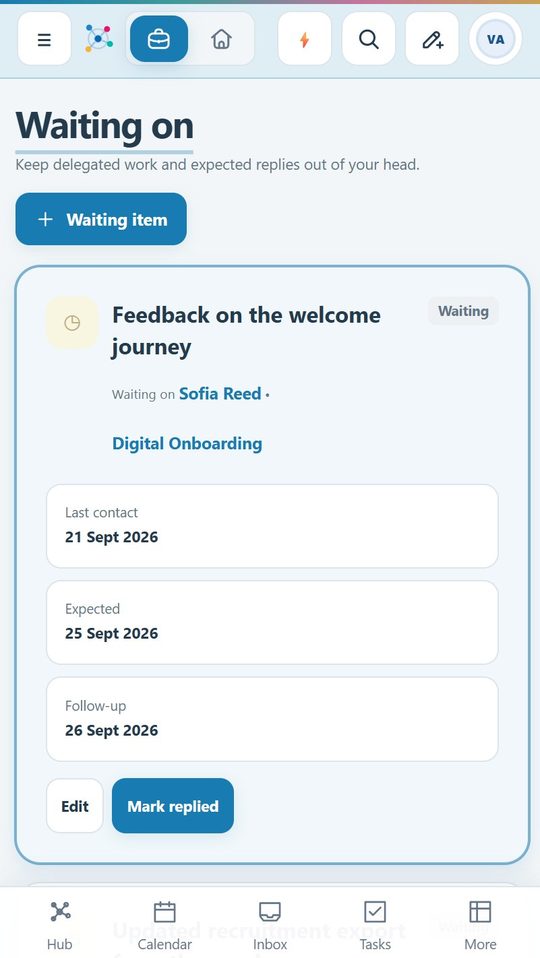
The things you've asked for and haven't got back. Nothing quietly falls through.
Open the app and know where you stand before you've finished your coffee.
Work and Personal are completely separate spaces with the same tools. One click between them, and nothing bleeds across.
The launch, the team, the service you're improving, and the next step on each.
The move, the trip, the thing you've been meaning to start for two years.
A World isn’t something you’re working on. It’s somewhere you work, with its own projects, its own people, and nothing leaking into the others. Most people need one. Some of us need three.
If you are ever unsure, the second question below answers it on its own.
Three sets of people who will never meet, three different weeks, three vocabularies. Held in one list, each of them made the others harder to see.
The day job and the business are not two projects. They are two employers, two sets of obligations, and two versions of you.
Each property is a World; the twenty jobs on it are the projects. Oak Street holds the roof, the rewire, the kitchen and the certificates, and the client, architect and trades who only ever appear there.
At work you run worlds. At home you wear hats, the roles you step into and out of. Same thing underneath. They just don’t feel like the same thing.
Until you add a second, none of this exists. No extra row, no switcher, nothing new to learn: the app looks exactly as it does on the day you sign up.
A conversation about exactly this problem, and a first attempt that got it wrong by making the switcher loud. It’s a small quiet row of buttons instead, because choosing which life you’re in shouldn’t feel like navigation.
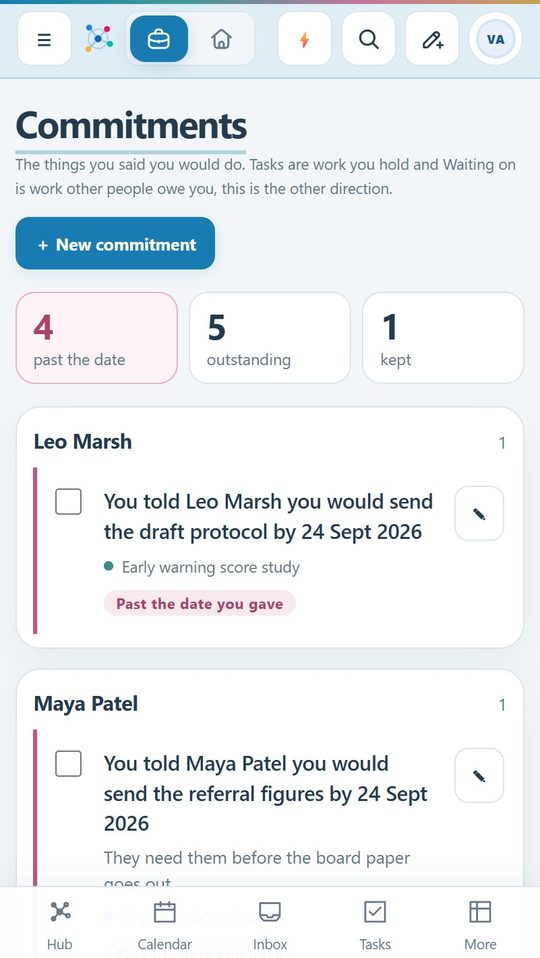
Promises you made, handovers, two-minute sorting, your own data, one calendar, old notes turned into projects, sharing, and ten minutes on a Friday.
Tasks are work you hold. Waiting on is work other people owe you. This is the third one, and the only one with somebody else's name on it.
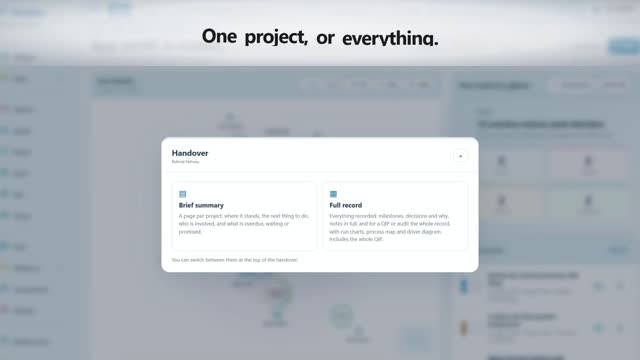
Who is involved, what is open, what you promised, every decision and why it was made, as a brief summary or the full record with every chart and driver diagram. Print it, or save a PDF in portrait or landscape.
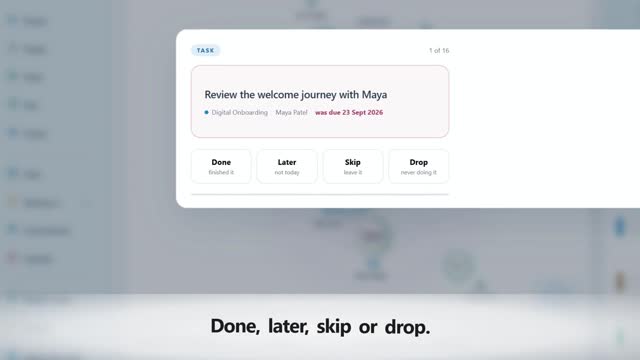
Done, later, skip, drop. No list, no scrolling, nothing to decide except the thing in front of you.
Every World, every project, every note and every task, downloadable as an ordinary zip you can open and read. And restore, exactly.
Meetings, deadlines, milestones, follow-ups and the promises you made, all on the day they fall. What is happening on Thursday has one answer now, not two.
A handover someone emailed you, half a page from a notebook. Paste the lot and it becomes projects, tasks, people and promises, every line shown first, and nothing created until you say so.
A read-only link to a World or a project, a summary, or the whole project with its QIP, charts and notes, live as you work on it. Or one question sent to one person, and the answer lands in your Inbox. People appear by their role unless you choose to show names; phone numbers and your private notes never travel.
What is overdue, which projects have no next step, who you are waiting on. Tick through it and start Monday clear. It waits until you open it.
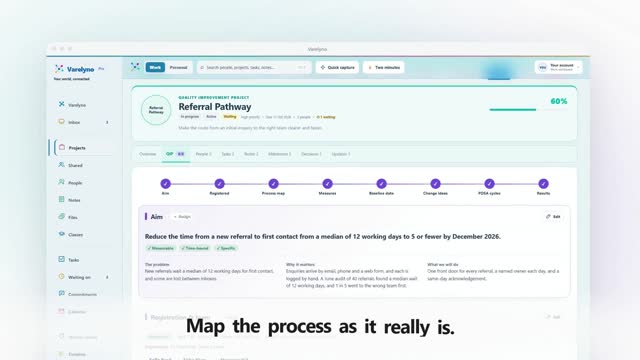
Improvement work, built in
Aims, driver diagrams, run charts and PDSA cycles, kept with the project they belong to. Audits too: standard, criteria, baseline, action and re-audit.
Signal of improvement: 8 points in a row above the median.
Then £48 a year. No tiers, no seats, no upsells.
Yes. The live demo is open, with fictional projects, people, tasks and notes. Try Work and Personal, change the theme, move things around, no account needed.
Your workspace stays exactly as you left it. Add payment when you're ready, and everything picks up where it was. Nothing is deleted while you decide.
Entirely. Export your whole workspace, both spaces, in one file, whenever you like. Work and Personal are stored separately and never mix.
Yes. Varelyno installs to your desktop or phone home screen and opens in its own window, with no browser chrome around it.
 Varelyno
Your world, connected
Take a look around. Find a connection you'd forgotten. See what it feels like when everything's in one place.